Chemistry, Finally
Made Clear.
Learn IUPAC nomenclature, build molecules in 3D, explore them in AR, and test yourself - all in one app built for students who want to actually understand chemistry, not just memorize it.
Learn IUPAC nomenclature, build molecules in 3D, explore them in AR, and test yourself - all in one app built for students who want to actually understand chemistry, not just memorize it.




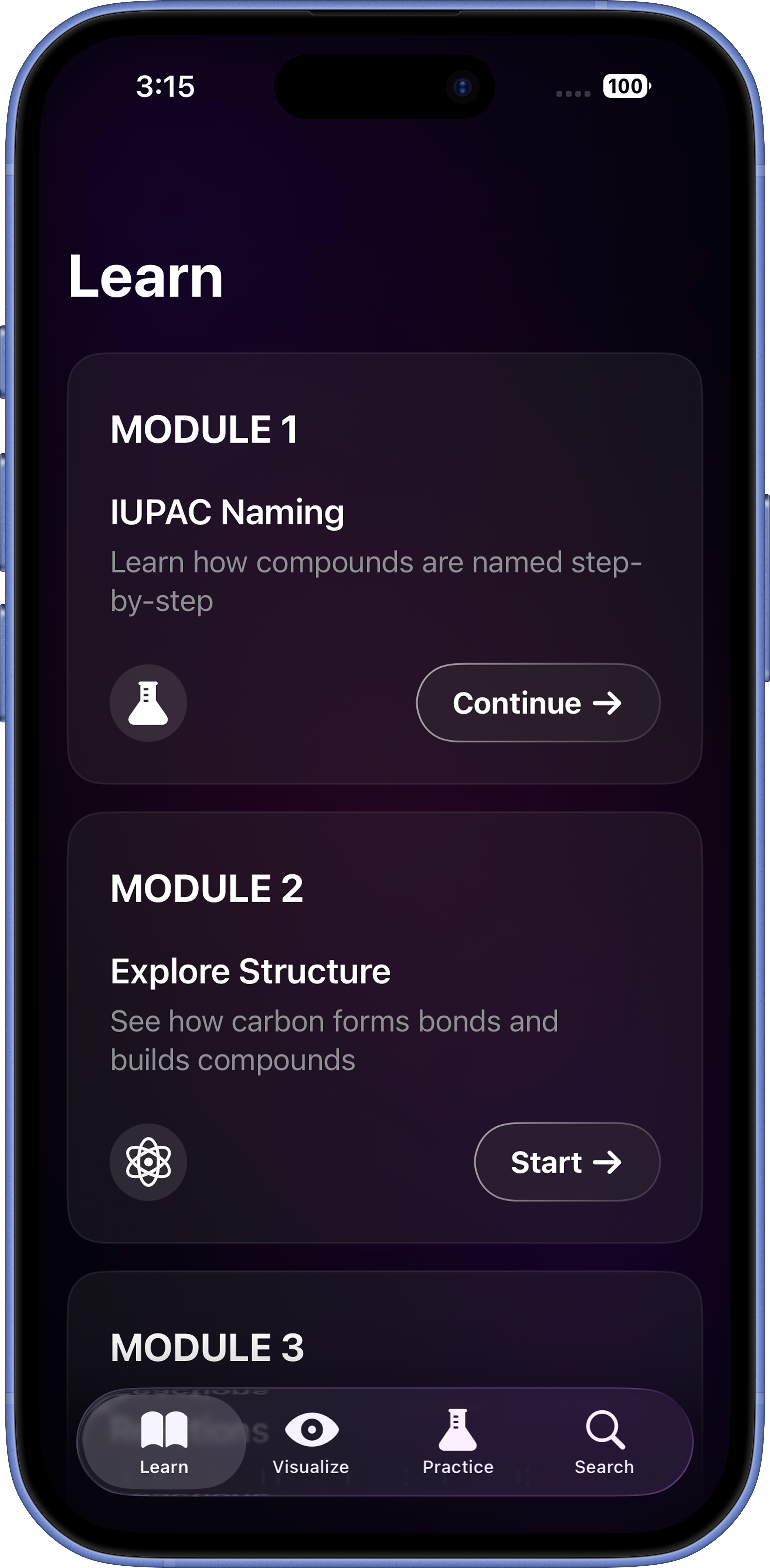
ChemVista's Learn tab walks you through three sequential modules - IUPAC Naming, Explore Structure, and Chemical Reactions - across all three hydrocarbon families: alkanes, alkenes, and alkynes. Each lesson is step-by-step, with an interactive 3D molecule that updates live as you progress through the rules.
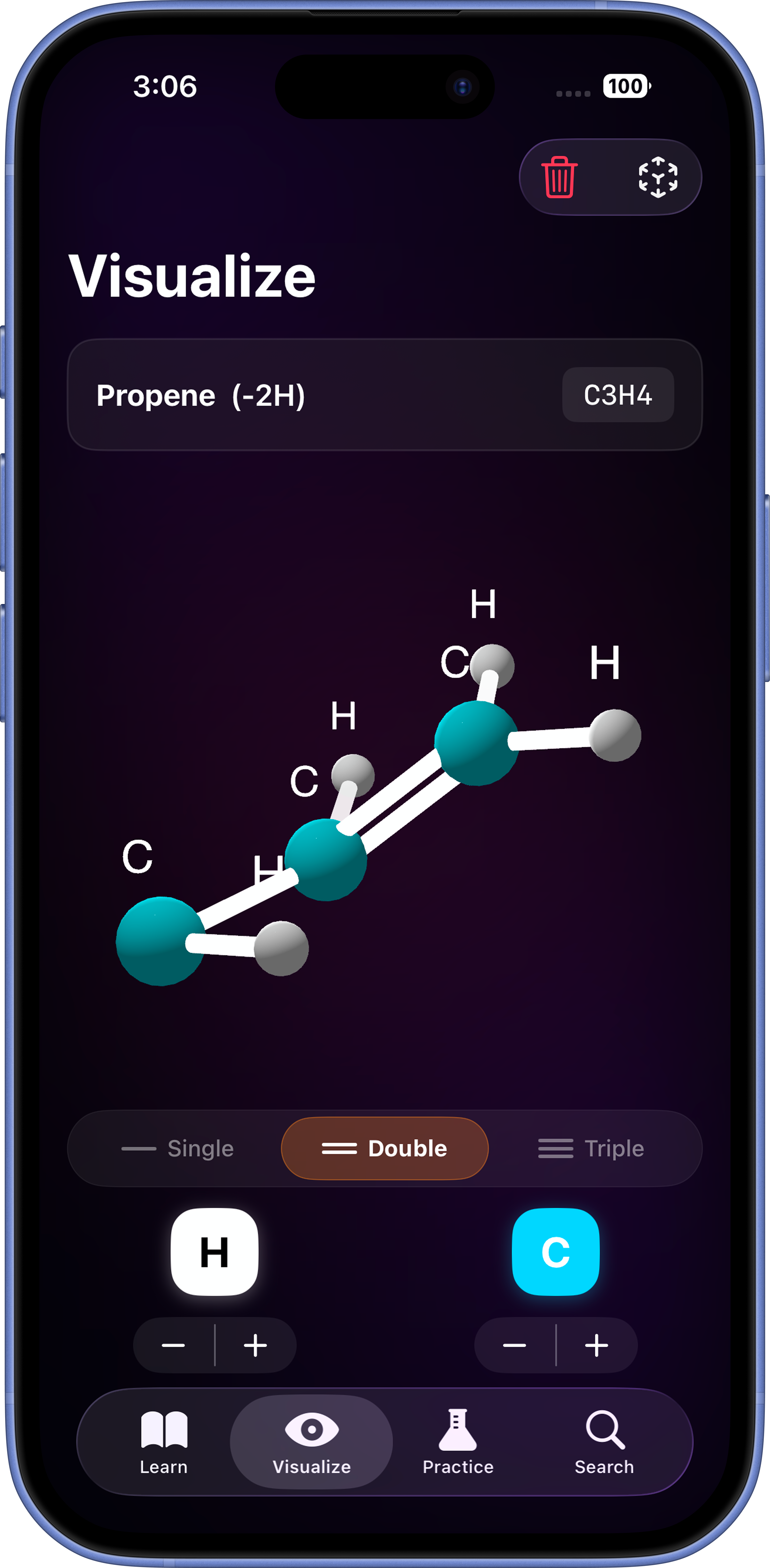
Add carbon and hydrogen atoms one by one. Choose single, double, or triple bonds. Watch the molecule take shape in real-time 3D - then launch AR mode to place it in your physical space using your iPhone camera. The molecule name and formula update live as you build.
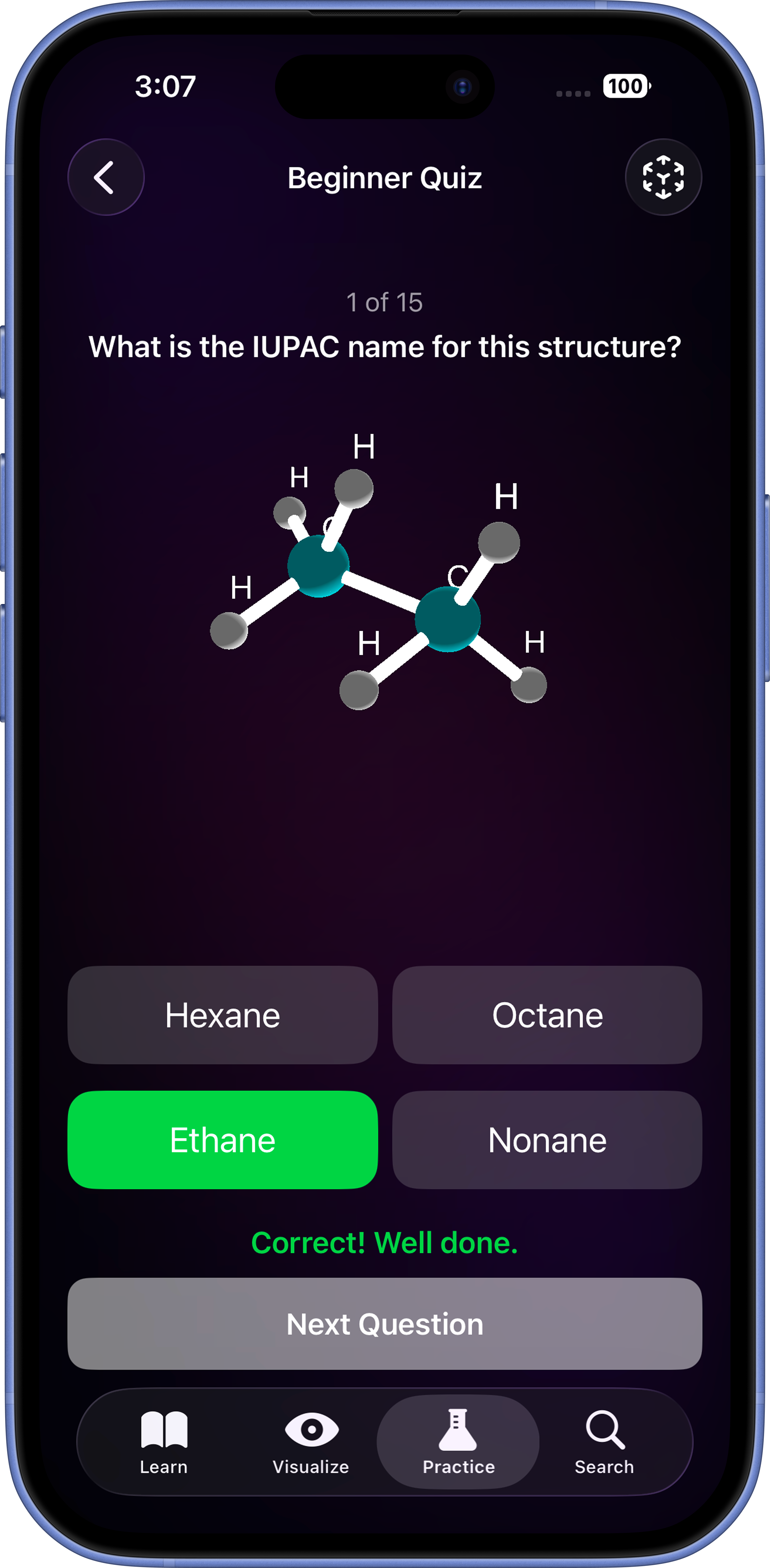
Three difficulty levels, each with 15 questions and a scored result. See a live 3D molecule - identify its correct IUPAC name from four options. Beginner covers alkanes and branched chains. Intermediate introduces alkenes and alkynes. Advanced combines both. You can even view the quiz molecule in AR while answering.
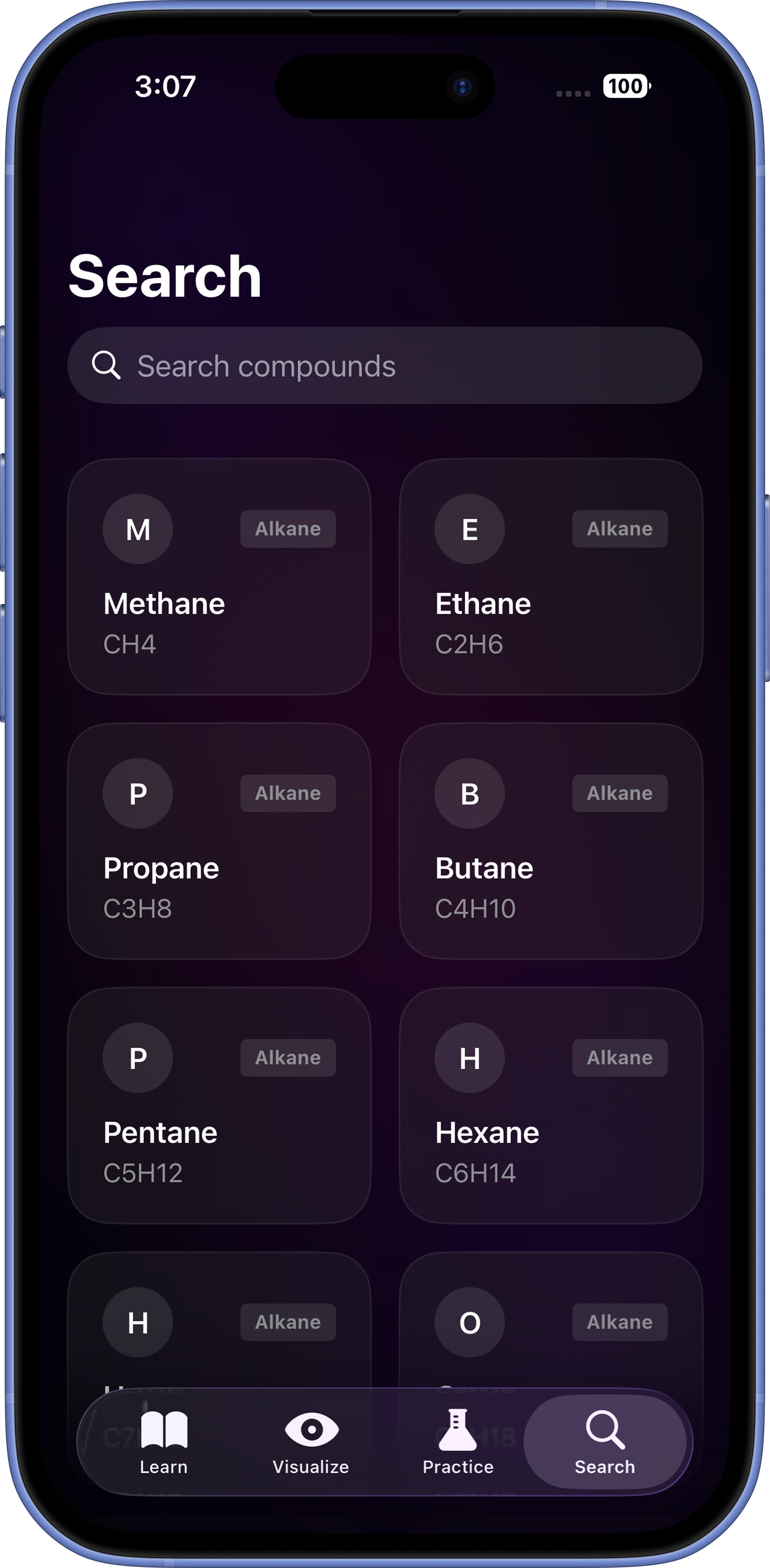
Browse and search a library of over 50 organic compounds - alkanes, alkenes, alkynes, cycloalkanes, alcohols, aromatics, and radicals. Every compound has a live 3D model, AR view, and a full data sheet: IUPAC name, common name, molecular formula, molar mass, hybridisation, molecular geometry, bond angles, physical state, melting point, boiling point, and real-world usage.
A 3-slide introduction explains the app's four features. Takes 20 seconds. You're ready to go.
Work through IUPAC Naming, Explore Structure, and Reactions modules. Each lesson builds a 3D molecule in front of you.
Head to Visualize to build any molecule yourself. Launch AR to see it in your room. Screenshot to save.
Pick a difficulty. 15 questions. Real-time 3D molecules. Instant feedback. See how well you've understood it all.
ChemVista collects no personal data, makes no network requests, and shares nothing with anyone. Here is exactly how that works.

ChemVista collects absolutely no personal information. No name, no email address, no phone number, no location, no device identifier, and no usage data. The only thing stored locally on your device is a single yes/no flag that remembers whether you have completed the onboarding flow - so it does not repeat every time you open the app. This flag never leaves your device.

Since ChemVista collects no information, there is nothing to use, process, or analyse. The app has no backend, no database, and no analytics pipeline. Every feature - Learn, Visualize, Practice, and Search - runs entirely on your device using Apple's first-party frameworks: SwiftUI, SceneKit, and ARKit.

ChemVista makes zero network requests. No data is ever transmitted to any server, cloud service, or third party. The one local preference stored on your device is protected by iOS's built-in app sandbox, which prevents any other app from accessing it. When you delete ChemVista, all local data is permanently removed from your device automatically.

ChemVista contains no third-party SDKs, analytics tools, advertising networks, crash reporters, or social media integrations. There is no Firebase, no Mixpanel, no AdMob, no Crashlytics, and no tracking of any kind. Every framework used in the app is a first-party Apple framework.


Because ChemVista collects no personal data, there is nothing to access, correct, export, or request deletion of. You have full control: simply deleting the app removes every trace of it from your device. The app is fully compliant with GDPR (EU), COPPA (USA), and applicable data protection laws worldwide - by design, not by policy.

ChemVista was built as a hands-on project to make organic chemistry genuinely approachable for students. Every feature - from the 3D molecule builder to the AR view - was designed to turn abstract concepts into something you can see and interact with.